

Networking & connectivity · 2 min read
Business firewall: what is it really for?
ISP-supplied router or business firewall? What a firewall protects in an SME, what it does not protect, and the settings to check on a regular basis.
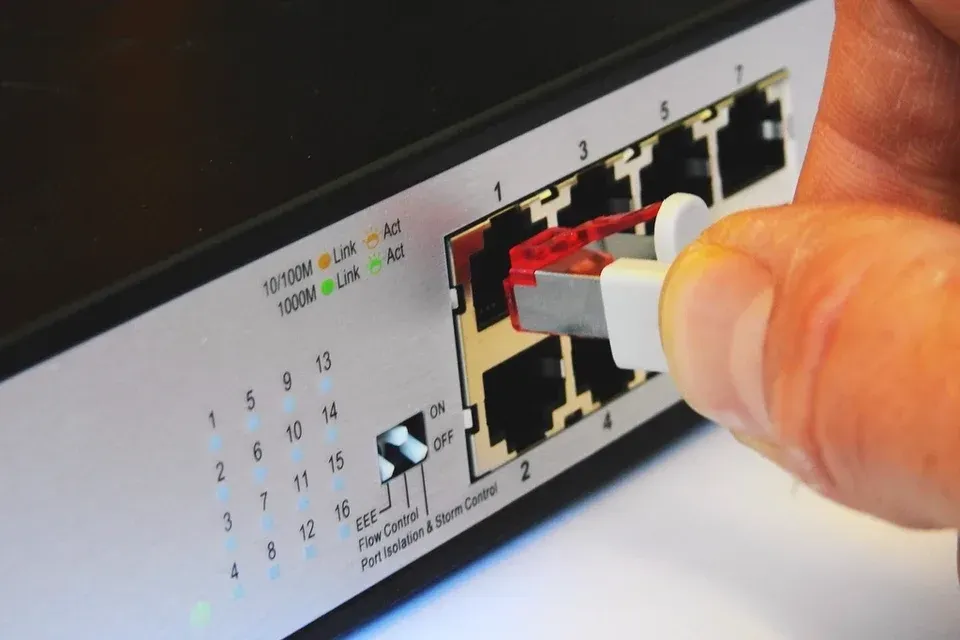
The firewall controls what comes into your network and what goes out. It is a basic building block of security, but how well it works depends entirely on its configuration and follow-up.
What a firewall does
- It filters incoming and outgoing traffic according to defined rules.
- It separates internal networks from each other: workstations, servers, guests, connected devices.
- It provides VPN connections for remote work and between sites.
- It can detect and block known intrusion attempts and filter certain websites.
- It keeps logs that are useful in the event of an incident.
ISP-supplied router or business firewall
The ISP-supplied router provides basic protection, without fine-grained rules, without serious segmentation and with few logs. A business firewall lets you separate networks, manage VPNs with multi-factor authentication and follow what is happening. The router is then often put in bridge mode, behind the firewall, which takes over.
| ISP router | Professional firewall | |
|---|---|---|
| Internet access and basic protection | Yes | Yes |
| Separation of internal networks | No | Yes |
| VPN with multi-factor authentication | No | Yes |
| Intrusion detection and filtering | No | Yes |
| Usable logs after an incident | No | Yes |
What it does not protect
- Phishing and theft of Microsoft 365 credentials: sign-in happens in the cloud, outside your network.
- Laptops used outside the office without a VPN.
- A computer already compromised inside the network.
- Hence the need to complement it with multi-factor authentication and endpoint protection (EDR).
Settings to check
- No port open without a documented reason, especially Remote Desktop (RDP) exposed to the Internet.
- The administration interface not reachable from the Internet.
- Up-to-date firmware: VPN vulnerabilities are actively exploited.
- Rules that are documented and reviewed regularly.
- VPN access protected by multi-factor authentication.
- A backup of the configuration.
Questions to ask your IT provider
- Who installs the updates, and how often?
- Who receives the alerts, and what happens next?
- Are the firewall's security subscriptions active?
- Where is the configuration documented?
Further reading
-
Networking & connectivity · 3 min read
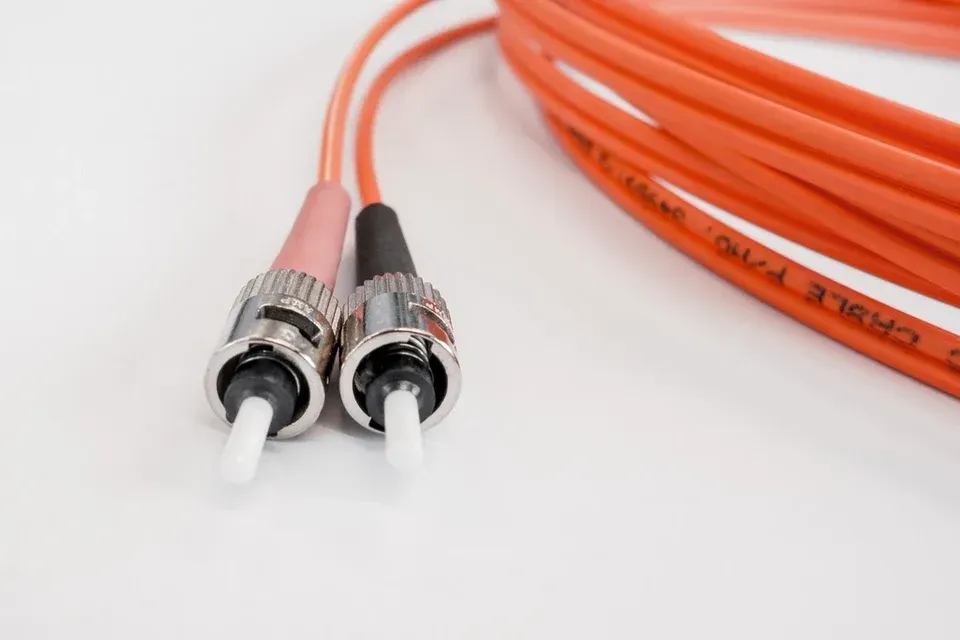
Business internet in Switzerland: fiber and backup
Business internet in Switzerland: fiber, symmetric bandwidth, static IP, the provider's SLA and a backup link to keep your small business online in an outage.
-
Networking & connectivity · 2 min read
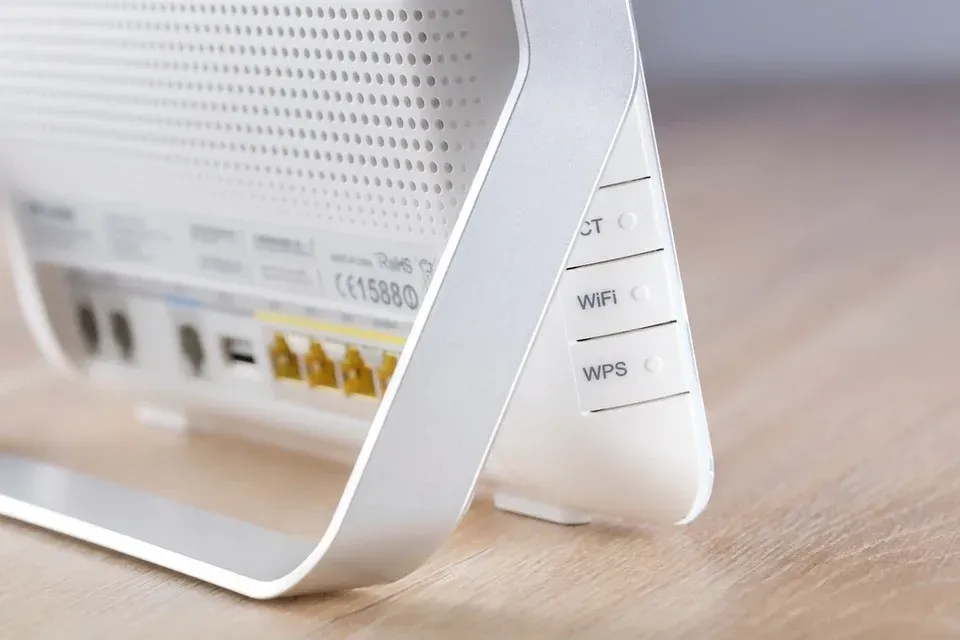
Business Wi-Fi: guest network and security
Separate guests, protect the internal network, cover every room: good practices for reliable, secure business Wi-Fi in a small or medium-sized business.
-

Networking & connectivity · 3 min read
Business VPN: securing remote access
Business VPN, zero trust access, remote desktop: how a Swiss SME gives access to its data from outside the office without opening its network to attackers.