

Networking & connectivity · 3 min read
Business VPN: securing remote access
Business VPN, zero trust access, remote desktop: how a Swiss SME gives access to its data from outside the office without opening its network to attackers.

Remote work, visits to clients, external contractors: a small business has to let some people reach its resources from outside the office. A business VPN is the best-known answer for remote access, but it is no longer the only one, and not always the best.
Remote access is also one of attackers' favorite ways in. Poorly protected access, a VPN appliance that is not updated or a remote desktop open to the internet are often enough to trigger a ransomware attack. Here is how to choose and secure the right solution.
With Microsoft 365, do you still need a VPN?
Not necessarily. If your files are in SharePoint and OneDrive, your e-mail in Exchange Online and your applications online, employees reach them directly over the internet. Protection then relies on identity: multi-factor authentication, Conditional Access and managed devices.
A VPN is still useful for what lives in your office: a file server, business software installed on a server, a database, a printer or production equipment.
Traditional VPN or zero trust access: what is the difference?
A traditional VPN creates an encrypted tunnel between the computer and the company firewall. Once connected, the user is effectively on the internal network, often with more access than needed.
Zero trust access (ZTNA) works differently: every connection to every application is checked (identity, multi-factor authentication, device health), and the user only sees the authorized applications, never the whole network. For a small business, a well-configured VPN, with rules that restrict access by group, is often still a reasonable solution.
-
Open remote desktop
RDP port visible to the whole internet, a constant target.
-
VPN with password only
One stolen credential opens the whole network.
-
VPN with multi-factor authentication
Access limited by group, appliance kept updated.
-
Zero trust access
Per application, from a managed, verified device.
Remote desktop must never be exposed
Windows Remote Desktop (RDP) is handy for working on a computer or server in the office. Opened directly to the internet, however, it is scanned constantly and targeted by automated login attempts. It should always sit behind a VPN or a secure gateway, with multi-factor authentication.
The same reasoning applies to other management interfaces: firewalls, NAS devices, cameras or remote support tools installed without oversight. Knowing what is actually visible from the internet is part of any security review.
How to secure a business VPN
- Multi-factor authentication for every VPN connection, contractors included.
- Named accounts: never a shared VPN account.
- Rules that limit each group to the resources it needs.
- Firewall or VPN gateway firmware kept up to date: their vulnerabilities are actively exploited.
- Contractor access limited to what is needed, named, logged, and closed as soon as it is no longer required.
- Connection logs kept and reviewed when in doubt.
What about the devices that connect?
Well-protected access is useless if the connecting computer is compromised. Ideally, access is reserved for company-managed devices (with Intune, for example), encrypted, up to date and protected by EDR. For a personal computer, limit access to the browser and online applications, with no connection to the internal network.
Further reading
-
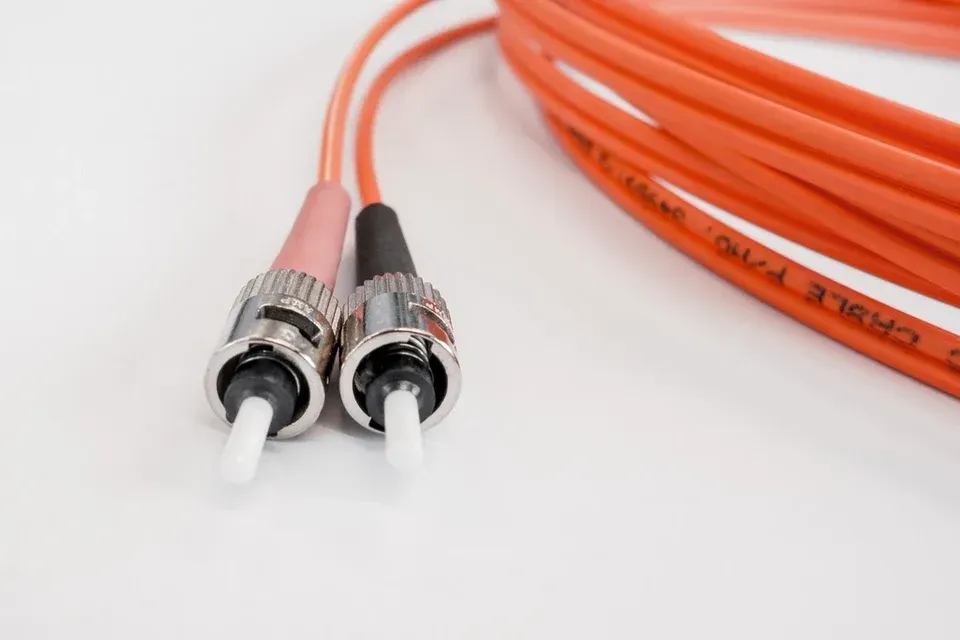
Networking & connectivity · 3 min read
Business internet in Switzerland: fiber and backup
Business internet in Switzerland: fiber, symmetric bandwidth, static IP, the provider's SLA and a backup link to keep your small business online in an outage.
-
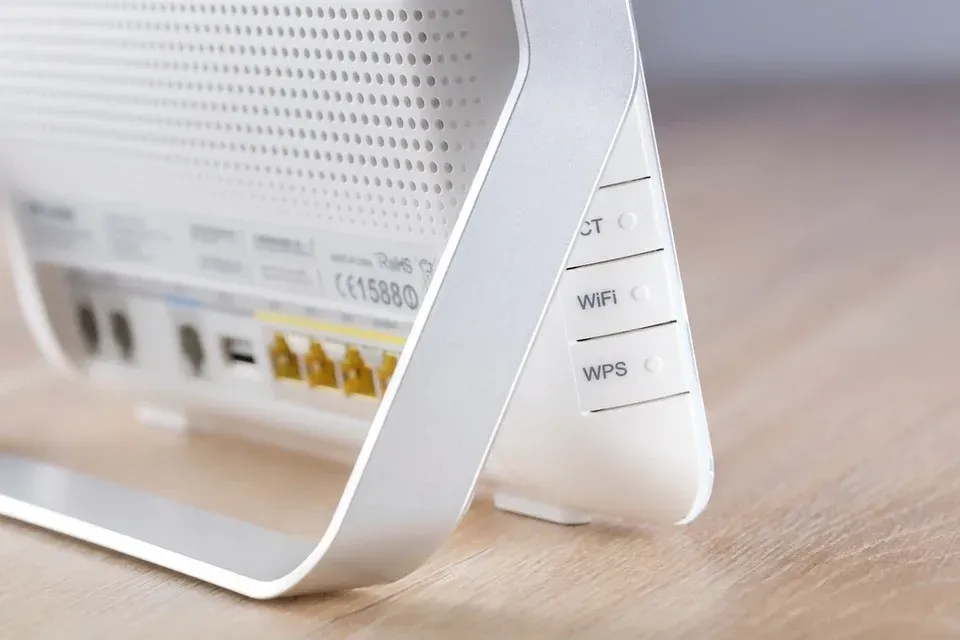
Networking & connectivity · 2 min read
Business Wi-Fi: guest network and security
Separate guests, protect the internal network, cover every room: good practices for reliable, secure business Wi-Fi in a small or medium-sized business.
-
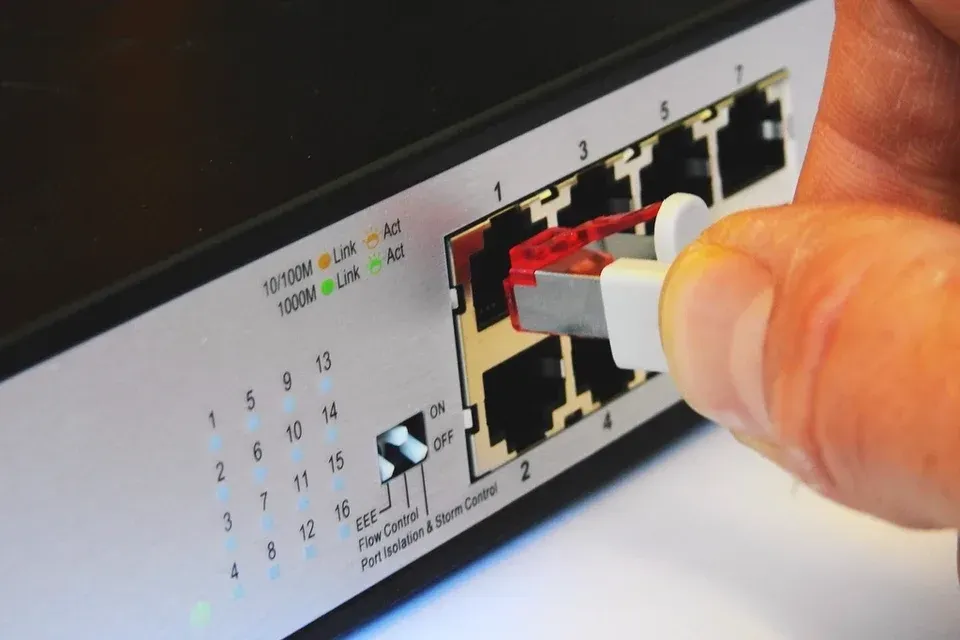
Networking & connectivity · 2 min read
Business firewall: what is it really for?
ISP-supplied router or business firewall? What a firewall protects in an SME, what it does not protect, and the settings to check on a regular basis.