

Networking & connectivity · 2 min read
Business Wi-Fi: guest network and security
Separate guests, protect the internal network, cover every room: good practices for reliable, secure business Wi-Fi in a small or medium-sized business.
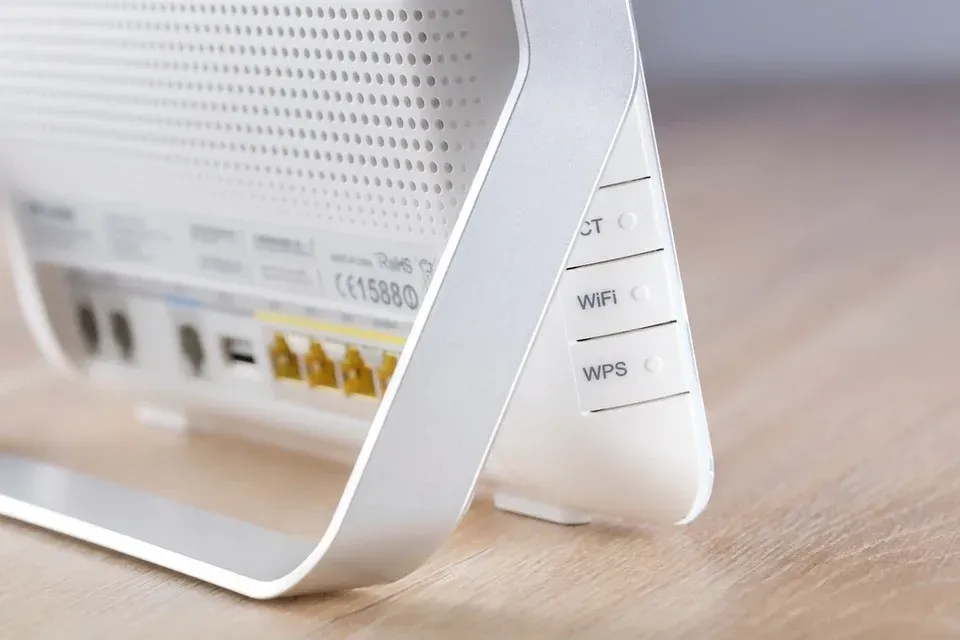
Wi-Fi has become the main network in most offices. It needs to be stable for video calls, cover the whole premises and not open the internal network to any device that comes along.
Separate the uses
Each use gets its own network, with its own rules: a compromised visitor or device never sees the computers or servers.
- Internet
- Firewall
- Wi-Fi access points
-
Employees
Access to internal resources, individual authentication.
-
Guests
Internet only, devices isolated from one another.
-
Connected devices
Printers, cameras and screens, isolated from computers.
-
Servers
Never reachable from the guest or device networks.
Protect access
- WPA3 encryption, or WPA2/WPA3 for older devices.
- For employees, ideally individual authentication (WPA-Enterprise): when someone leaves, their access is closed without changing everyone's password.
- A guest password that is changed regularly, or an access portal.
- Never give the internal network password to visitors.
Cover the premises properly
The ISP-supplied router is not designed to cover offices. Professional ceiling-mounted access points, powered over the network cable (PoE), provide even coverage. How many you need depends on the number of users and the building (walls, floors), not just the floor area: a coverage survey avoids dead zones.
Manage it over time
- Central management of all access points.
- Regular firmware updates.
- Monitoring that reports an access point that is down.
- Documentation: access point locations, networks, VLANs, passwords.
Signs your Wi-Fi needs a review
- Drop-outs during video calls.
- Areas where the signal disappears.
- The ISP-supplied router as the only access point.
- A single password never changed since installation.
- Guests on the same network as the servers.
Further reading
-
Networking & connectivity · 3 min read
Business internet in Switzerland: fiber and backup
Business internet in Switzerland: fiber, symmetric bandwidth, static IP, the provider's SLA and a backup link to keep your small business online in an outage.
-
Networking & connectivity · 2 min read
Business firewall: what is it really for?
ISP-supplied router or business firewall? What a firewall protects in an SME, what it does not protect, and the settings to check on a regular basis.
-

Networking & connectivity · 3 min read
Business VPN: securing remote access
Business VPN, zero trust access, remote desktop: how a Swiss SME gives access to its data from outside the office without opening its network to attackers.