

Backup & hosting · 3 min read
NAS vs cloud storage: which suits a small business?
NAS vs cloud storage for a Swiss small business: pros, limits, the risks of a NAS exposed to the Internet, and why neither one is a backup on its own.
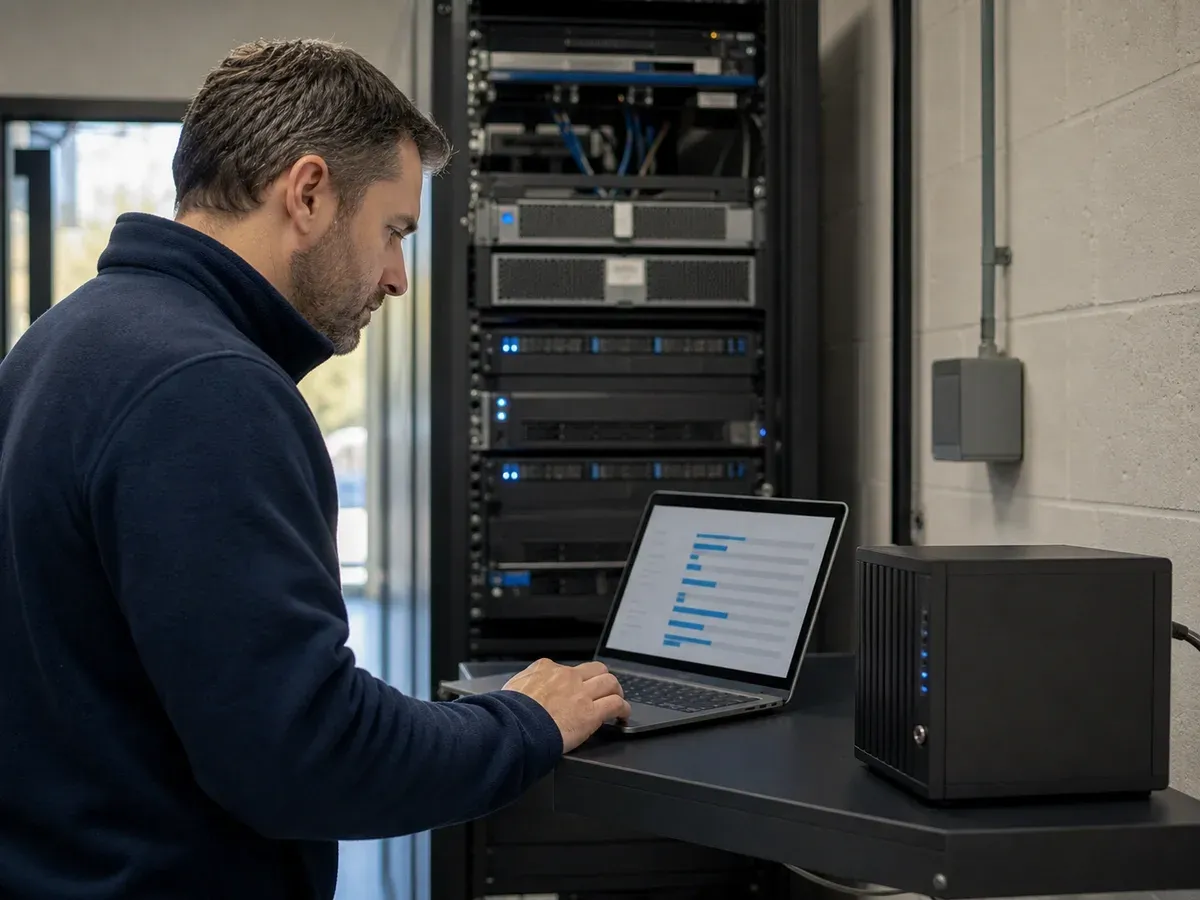
The file server was the norm for a long time. In many SMEs, it has been replaced by a NAS, a network storage box, or by the cloud, often the SharePoint and OneDrive included in Microsoft 365. The "NAS or cloud?" question comes up when hardware needs replacing, when the office moves, or when remote work increases.
Both work. The right choice depends on the files you handle, your Internet connection and the way your teams work. And in both cases, one mistake comes up often: mistaking storage for a backup.
NAS vs cloud: the advantages of each
A NAS is fast at the office and remains accessible if the Internet goes down. The cloud removes the hardware and gives access to files from anywhere, with co-authoring and controlled sharing.
| NAS | Cloud | Combined | |
|---|---|---|---|
| Large files at the office | Yes | No | Yes |
| Simple remote access | No | Yes | Yes |
| Works without Internet | Yes | No | Partly |
| Document co-authoring | No | Yes | Yes |
| Hardware to replace | Yes | None | Reduced |
| Serves as a backup | No | No | No |
The limits of a NAS
A NAS is still a small server: it needs the same follow-up, even when it is sold as a ready-to-use device.
- A single box in a single room: a fire, water damage or theft takes the data with it.
- Disks and a box to monitor, then replace.
- System updates to apply regularly, which are often forgotten.
- Remote access that requires a VPN or a manufacturer service, to be configured carefully.
The limits of the cloud
- Dependence on the Internet connection, which needs to be sized properly and ideally doubled.
- Recurring subscriptions, per user or per volume.
- Very large files (plans, video) that can be slow to sync.
- Sharing permissions that need a framework, to avoid links open to anyone.
Is a NAS a backup?
No. A NAS's RAID protects against a disk failure, not against deletion, ransomware, fire or theft. Snapshots help recover a file changed by mistake, but they stay in the same box.
The cloud is not one either: sync also replicates deletions and files encrypted by ransomware, and both the recycle bin and version history have a limited duration. In both cases, you need a separate, off-site copy, including an immutable one, following the 3-2-1 rule.
Exposing a NAS to the Internet: what are the risks?
Several ransomware campaigns have targeted NAS devices reachable from the Internet, exploiting unpatched flaws or weak passwords. A device open to the Internet is quickly found by automated scanning tools.
- Do not publish the admin interface on the Internet, and do not open ports to the NAS.
- Use the company VPN for remote access.
- Apply the manufacturer's updates and disable unused services.
- Protect administrator accounts with a unique password and multi-factor authentication.
The combined model
Many SMEs combine both: SharePoint and OneDrive for shared documents and remote work, a NAS at the office for large files or as a local backup target, and an off-site copy in Switzerland for everything, Microsoft 365 included. This model holds up if each role is documented: where the reference version of each type of file lives, and who backs it up.
Before choosing, measure the actual volume of files and what is still in use: in many SMEs, a large share of the data has not been opened in years and can be archived rather than synced.
Further reading
-
Backup & hosting · 2 min read
3-2-1 backup rule: protecting an SME's data
Three copies, two media, one off site: the 3-2-1 backup rule explained simply, with the immutable copy and the restore tests that complete it.
-

Backup & hosting · 2 min read
Is Microsoft 365 backed up? What you need to know
Microsoft 365 backup: Microsoft ensures the service is available, not the long-term recovery of your data. What the recycle bins cover and why to back up.
-

Backup & hosting · 4 min read
Swiss data hosting: what it changes for an SME
Swiss data hosting for an SME: what the nFADP and your clients expect, what data location alone does not guarantee, and the questions to ask a hosting provider.
Related solutions
- Backup & continuity Three Swiss locations, immutable copies and documented recovery plans.
- Cloud & Swiss hosting Servers and data hosted and backed up in Switzerland, with no hardware to manage.
- Modern Workplace (Microsoft 365) Identities, e-mail, Teams and devices: a properly configured Microsoft 365.