

Cybersecurity · 2 min read
Multi-factor authentication (MFA) for SMEs
Multi-factor authentication protects your Microsoft 365 accounts. Which methods to choose, and how to roll out MFA in an SME without locking your teams out.
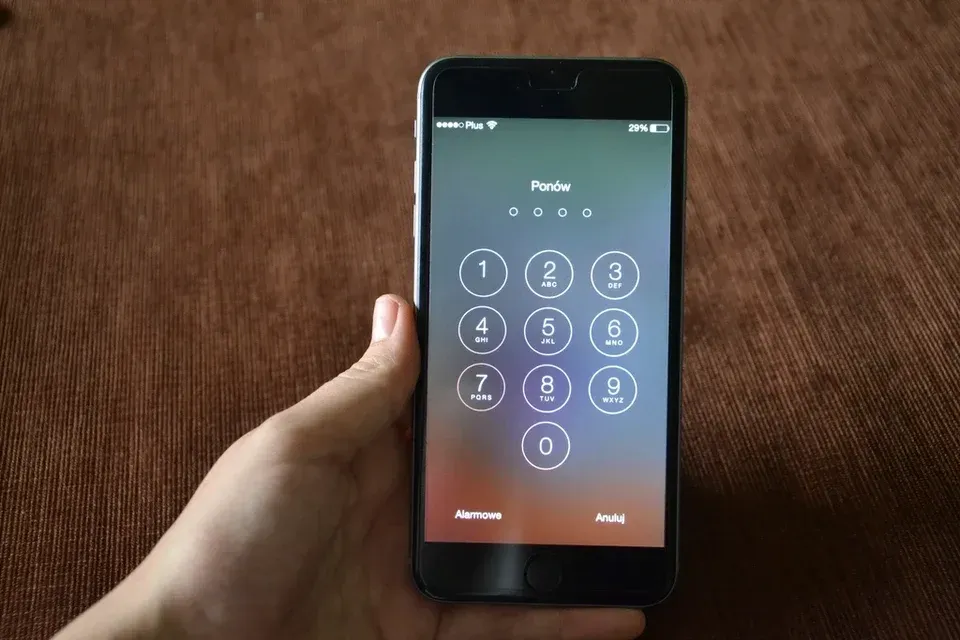
A password on its own can be guessed, reused on another site, stolen through phishing or found in a data leak. Multi-factor authentication (MFA) adds a second element: an app, a physical key or a code. Without that second element, the password is no longer enough to sign in.
It is one of the most effective and least expensive measures for an SME. Above all it requires preparation, so that the rollout does not lock anyone out.
Methods, from weakest to strongest
Not all methods are equal: some resist phishing, others do not.
-
SMS or call
Exposed to interception and number hijacking.
-
Code in an app
Adequate, but a code can be entered on a fake page.
-
Notification with number
A good compromise for most users.
-
FIDO2 key or passkey
Phishing-resistant, for sensitive accounts.
Where to start
- Administrator accounts first, with the strongest method.
- Then every user, with no lasting exceptions.
- Blocking legacy authentication protocols (POP, IMAP, basic authentication), which bypass MFA.
- Shared accounts and service accounts: each one needs an owner and suitable protection.
Security defaults or Conditional Access
In Microsoft 365, security defaults are free: they enforce MFA and block legacy protocols. That is a solid baseline for a small organization.
Conditional Access, included in Microsoft 365 Business Premium (through Entra ID P1), goes further: it adapts the requirements to the device, the location or the risk level of the sign-in, for example by allowing access to data only from a managed computer.
Rolling it out smoothly with your teams
- Announce the date and explain the reason, in a few lines.
- Plan an assisted enrollment session rather than an e-mail with instructions.
- Settle the question of personal phones: an app on a personal device, or a physical key supplied by the company.
- Register two methods per person, so nobody is locked out if a phone is lost.
- Write down the recovery procedure, including identity verification.
Limits to be aware of
Standard MFA does not protect against everything: some attacks hijack the session after sign-in, using a fake page that relays the exchange. Phishing-resistant methods and identity threat detection and response (ITDR) then complete the protection.
Further reading
-

Cybersecurity · 3 min read
Phishing: how to spot a fraudulent e-mail
How to spot a phishing e-mail: the warning signs, recent variants (QR codes, fake MFA requests) and the right way to react when you work in an SME.
-

Cybersecurity · 2 min read
Fake IBAN fraud: protecting your payments
Payment fraud via a fake supplier, a fake CEO or a hacked mailbox: how fake IBAN fraud works and the simple rules that protect an SME's outgoing payments.
-
Cybersecurity · 3 min read
Ransomware: what to do in the first hour
Files encrypted, ransom note on screen: what to do and what to avoid in the first hour of a ransomware attack, and how to prepare for one ahead of time.