

Backup & hosting · 3 min read
BitLocker laptop encryption for small businesses
BitLocker laptop encryption for business in Switzerland: why to enable it (theft, loss, nFADP), where to keep recovery keys, and what to do about USB drives.
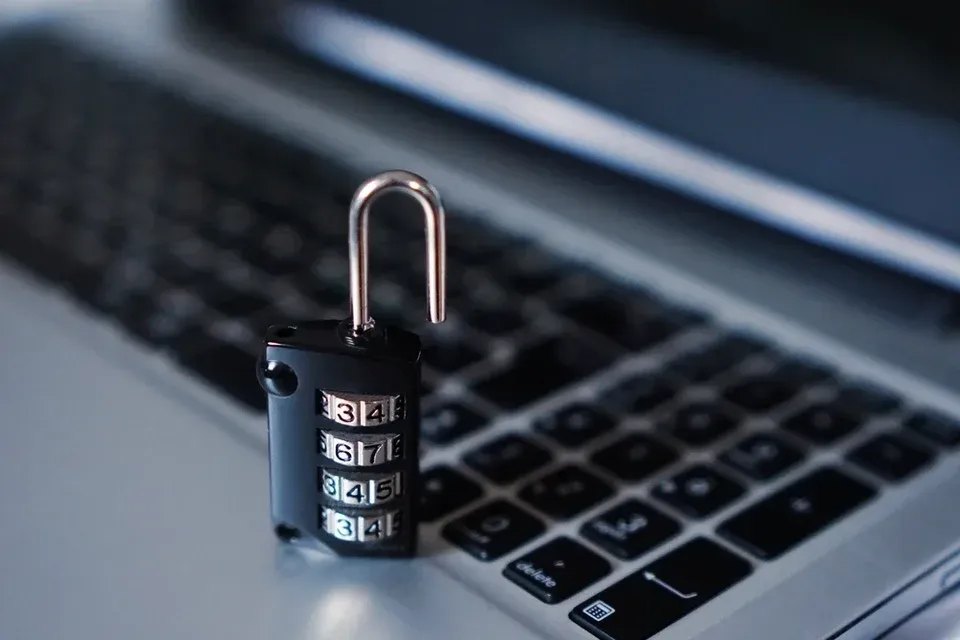
A laptop left on a train or stolen from a car is first of all hardware to replace. Without encryption, it is also direct access to files: anyone can remove the disk and read it on another machine, without knowing the Windows password.
BitLocker encryption, built into Windows, makes the disk's contents unreadable without the key. On a business laptop, it is a simple measure that goes unnoticed day to day, provided the recovery keys are managed properly.
Why encrypt company laptops?
Disk encryption protects data when the device is switched off. It does not replace automatic screen locking, antivirus or backup: an encrypted laptop can fail or be hit by ransomware like any other.
- Theft or loss: the data stays unreadable for whoever finds the device.
- The nFADP: the law requires security measures appropriate to the risk, and encryption is one of them. If the key has not been compromised, losing an encrypted device poses a much lower risk to the people concerned, which matters when assessing whether to report a breach to the FDPIC.
- Cyber insurance: questionnaires often ask whether computers are encrypted.
- Repairs: a device handed to a repair shop does not give away its contents.
BitLocker: what you need to know
BitLocker is available in the Pro and Enterprise editions of Windows. It relies on the computer's TPM chip: at startup, the chip releases the key if the system has not been tampered with, and the user sees nothing more than usual. A startup PIN can be added for the most sensitive devices.
Home editions offer a more limited device encryption, whose key is often backed up to the user's personal Microsoft account: for a business, that is not the right place. On a Mac, the equivalent is called FileVault and is managed the same way.
Where should BitLocker recovery keys be stored?
The recovery key, a 48-digit code, is requested when startup detects a change: a firmware update, a replaced component, several wrong PINs. Without it, the data is lost, including for the company.
The right place is Entra ID: with Intune, each device's key is saved there automatically, can be viewed by authorized administrators, and can be rotated after use. Never on a note stuck to the screen, in a shared file or in an employee's personal account.
- 1
Take inventory
Devices, Windows edition, TPM chip.
- 2
Define the policy
Full encryption, optional PIN.
- 3
Back up the keys
Saved automatically in Entra ID.
- 4
Deploy in groups
A pilot group, then the rest of the fleet.
- 5
Check
Compliance report, unencrypted devices followed up.
USB drives and external disks
A lost USB drive often holds more data than people think, and it gets lost more easily than a laptop.
- BitLocker To Go encrypts USB drives and external disks, protected by a password.
- Intune can block writing to unencrypted removable media.
- For sharing files, OneDrive or SharePoint, with permissions and an expiry date, are a better option than a USB drive.
What about smartphones?
iPhones and recent Android smartphones encrypt their storage as soon as a lock code is set. The thing to check is therefore the code itself. With Intune, the company can require a code, block e-mail access from a device that does not comply, and remotely wipe business data if the device is lost, without touching personal photos.
Further reading
-
Backup & hosting · 2 min read
3-2-1 backup rule: protecting an SME's data
Three copies, two media, one off site: the 3-2-1 backup rule explained simply, with the immutable copy and the restore tests that complete it.
-
Backup & hosting · 2 min read
Is Microsoft 365 backed up? What you need to know
Microsoft 365 backup: Microsoft ensures the service is available, not the long-term recovery of your data. What the recycle bins cover and why to back up.
-

Backup & hosting · 4 min read
Swiss data hosting: what it changes for an SME
Swiss data hosting for an SME: what the nFADP and your clients expect, what data location alone does not guarantee, and the questions to ask a hosting provider.